Hear something worth keeping?
Capture available song details from supported music services, then choose your personal repertoire or an authorised band library as the destination.

Crescender Music Companion
Add artists and songs to Crescender while browsing music-related websites. The Chrome companion keeps your repertoire a click away from the article, chart or song that caught your attention.
For desktop Chrome. Sign in to Crescender to save music, follow artists and save practice sessions.
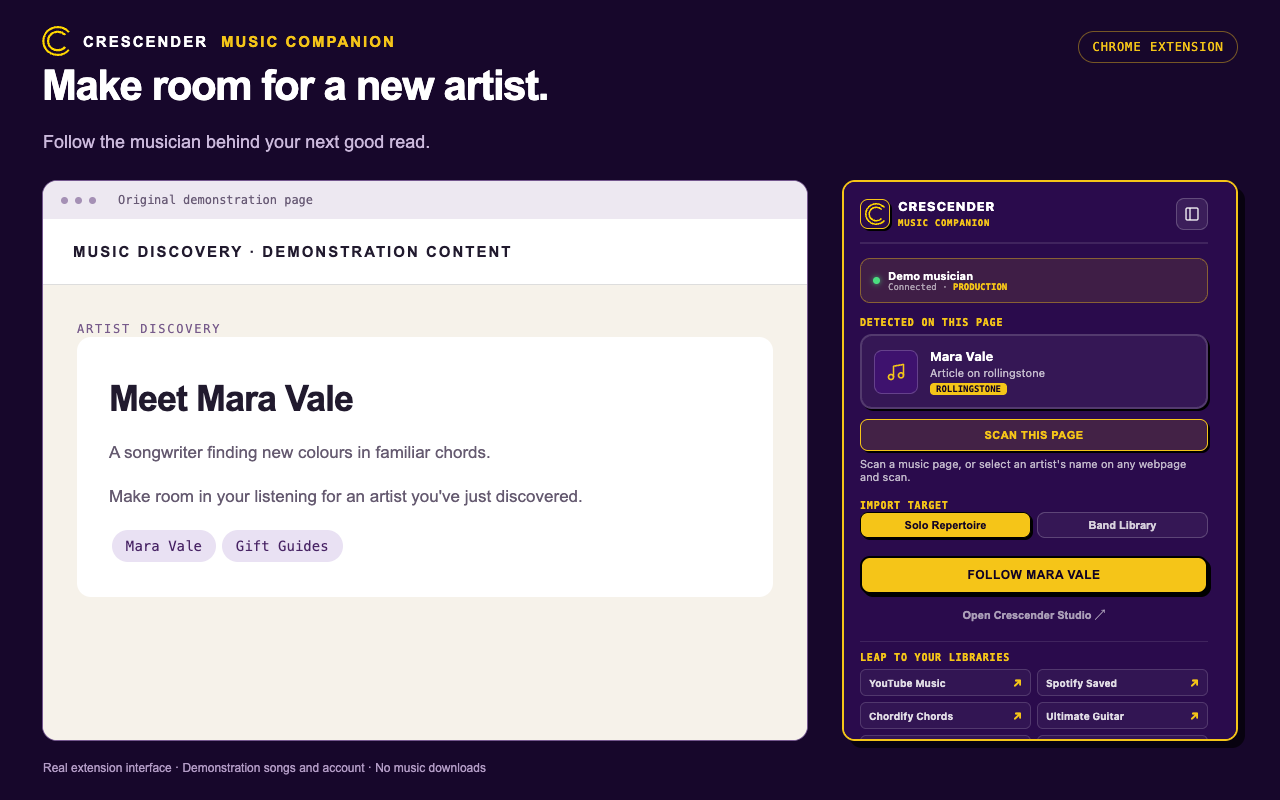
Capture available song details from supported music services, then choose your personal repertoire or an authorised band library as the destination.
Find artists on music publications, artist pages and label websites. Review the detected names before choosing whom to follow in Crescender.
Explore songs and credited artists from Billboard’s Hot 100, with chart positions alongside the music. Keep useful chord, tab and concert-setlist references too.
Automatic detection supports sites including Spotify, YouTube Music, Apple Music, Chordify, Ultimate Guitar, setlist.fm, Rolling Stone, Billboard and ARIA, plus selected music publications and label sites. Available details depend on the page; not every page or website supplies usable music information.
The companion captures music information and source links. It does not download audio or provide access to paid music, tabs or articles.
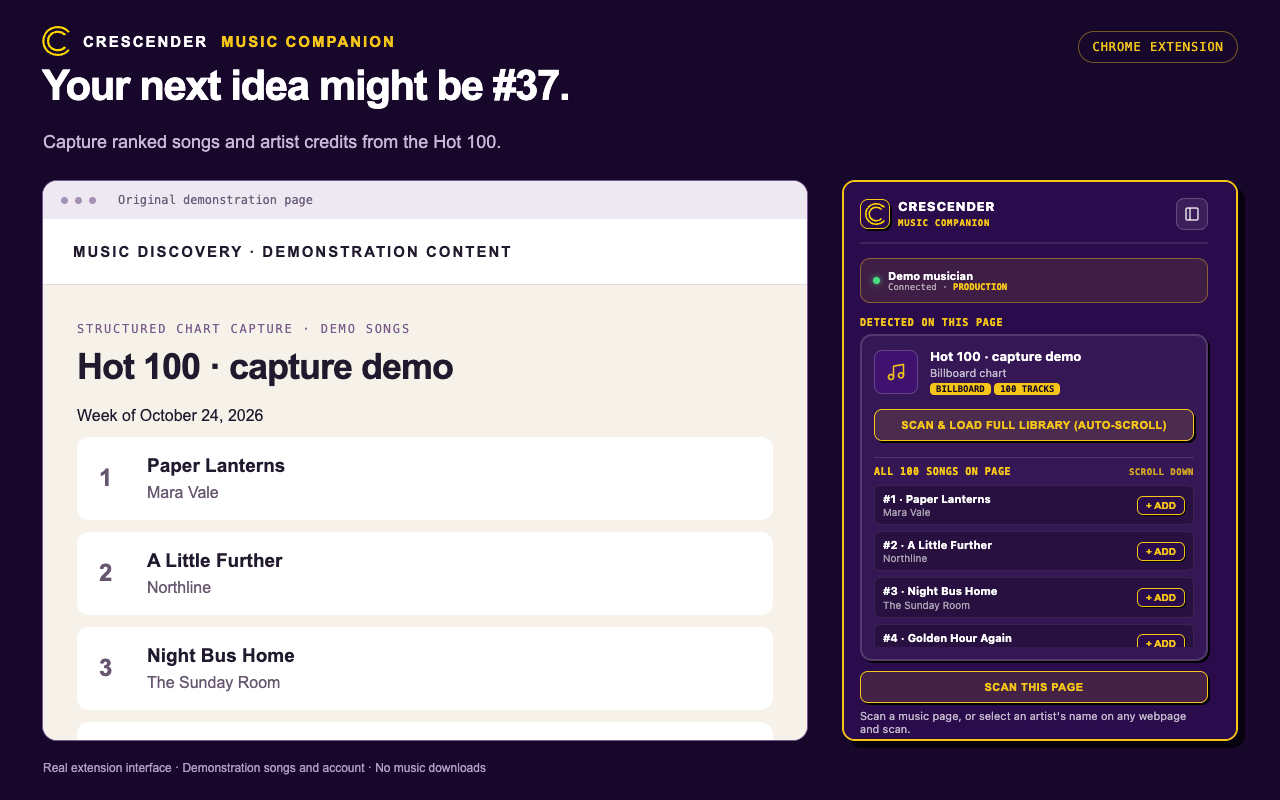
The Chrome Web Store listing is being prepared. Until it is publicly available, you can install the developer build manually in desktop Chrome.
Download developer build (ZIP)Version 1.0.11. Manual installations need manual updates.
Need a hand? Contact Crescender support.
chrome://extensions and enable Developer mode.Already using a manual installation? Replace the files in its existing folder, choose Reload on Chrome’s Extensions page, then refresh your music tabs. Chrome’s Update button does not download new files into a manually installed folder.
Recent discoveries stay on your device until you choose a save or follow action. Account checks connect to Crescender, and loading artwork may contact its provider. You can clear recent discoveries, restrict site access in Chrome, or remove the extension. Music you have already saved remains in your Crescender account.
Read the extension privacy information